


how to undo remove or disable facebook timeline
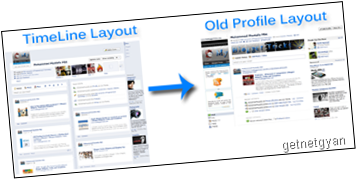
 After the release of facebook new timeline its feedback has mixed reviews from the facebook users.But most common question is how to disable or remove the facebook timeline.As this change is the global change for every account so many pepole are not like this new timeline and want their old facebook interface back.The new timeline is the great way to displaying your old photos and application.I am sharing the tutorial how to completely remove the timeline application from your profile and revert older facebook profile layout so here are simple steps to undo your facebook timeline back.also readCan't Undo Facebook Timeline? Know Why
How to undo facebook timeline layout
- login to your facebook account.
- Visit the page developers.
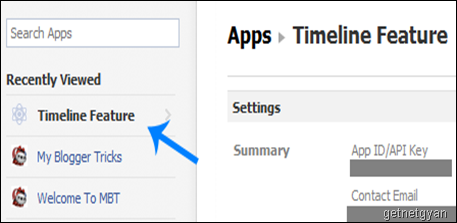
- In the left side you will see applications choose the apps you created for timeline .
- Click edit setting.
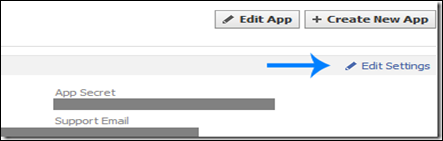
- On the setting page towards bottom left choose delete application which will delete the timeline application .

- Confirm to delete the application and you,will be successfully able to undo your profile view.
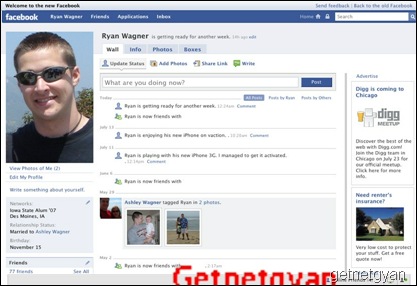
Yet if you are not able to undo your profile or having problem by using this method also,then please read my older post which shows completely why you are not able to undo your profile.Can't Undo Facebook Timeline? Know Why.
SHARE THIS POST


